A free app for Android, by Fly Labs LLC.

What is 2FA Authentication?

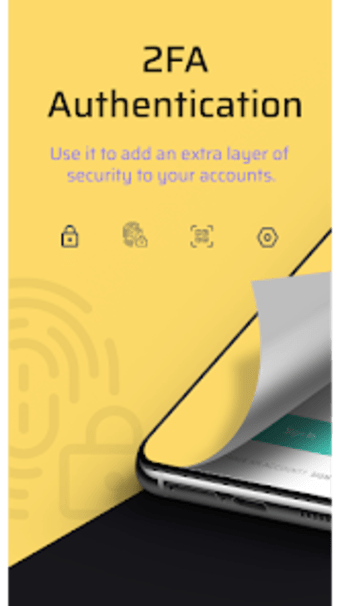
2FA Authentication is a simple and secure way to protect your online accounts from hackers and identity thieves. It uses time-based one-time password tokens to create your account credentials, so you only need to remember the password.

How does it work?

It's easy! After you install the app, you just need to open the app and follow the steps to create your account.

1. Download the app and install it on your device.

2. Enter the device ID and the device model.

3. Enter the phone number.

4. Select the authentication method.

5. Scan the QR code.

6. The 2FA code is generated and saved in the device storage.
 0/1

App specs

  • License

    Free

  • Version

    1.1

  • Latest update

  • Platform

    Android

  • OS

    Android 13.0

  • Language

    English

    Available languages

    • English
    • German
    • Hindi
    • Russian
    • Korean
    • Chinese
    • Portuguese
    • Italian
    • French
    • Chinese
    • Spanish
    • Japanese
  • Downloads

    1

  • Size

    7.61 MB

  • Developer

  • Download Options

    APK, Google Play

  • Filename

    two.factor.authentication.code.generator_1.1.xapk

Program available in other languages


User reviews about 2FA Authentication

Have you tried 2FA Authentication? Be the first to leave your opinion!

Add review

You may also like

Explore Apps

Latest articles

Laws concerning the use of this software vary from country to country. We do not encourage or condone the use of this program if it is in violation of these laws.
Softonic

Is 2FA Authentication safe?

100/100

Score result: Clean

This file passed a comprehensive security scan using VirusTotal technology. It is safe to download.

  • Virus free
  • Spyware free
  • Malware free
  • Verified by Security Partners

    VirusTotal logo

Scan Info

Last scan
Saturday, November 22, 2025
Scan provider
VirusTotal · Full report

File Integrity

File
two.factor.authentication.code.generator_1.1.xapk
SHA256
3ae1a0e30f2d61f6aab706f31f9c815b331c2f3f3271ffb3411be5f127d3c26f
SHA1
ed4cf02dc4fbe4bf7b4df4c344d3c48c0d4de4cf

Softonic security commitment

2FA Authentication has been thoroughly scanned by our advanced security systems and verified by industry-leading partners. This file comes from the official developer and has passed all our security checks, showing no signs of viruses, malware, or spyware. For more information, visit our Security and Trust Center